Travel with Dayvee

"I See Me" Vision Board Workshop Resources

start now

Welcome to your hub for your  “I See Me” Vision Board!

Here you’ll find the step-by-step guides, tips, and recommended tools we covered in the workshop—all in one convenient place. 

⚠️ Note: This replay is from a past workshop, but the core strategies still apply. Some tools and recommendations have been updated for 2026 — be sure to read this guide below for fresh steps and advanced tips.

Session Replay

Watch the playback of the workshop.

Updated for 2026: Use the guide below to follow the newest step-by-step vision board strategy.

Scroll down for recommended timeline.

Then vs now

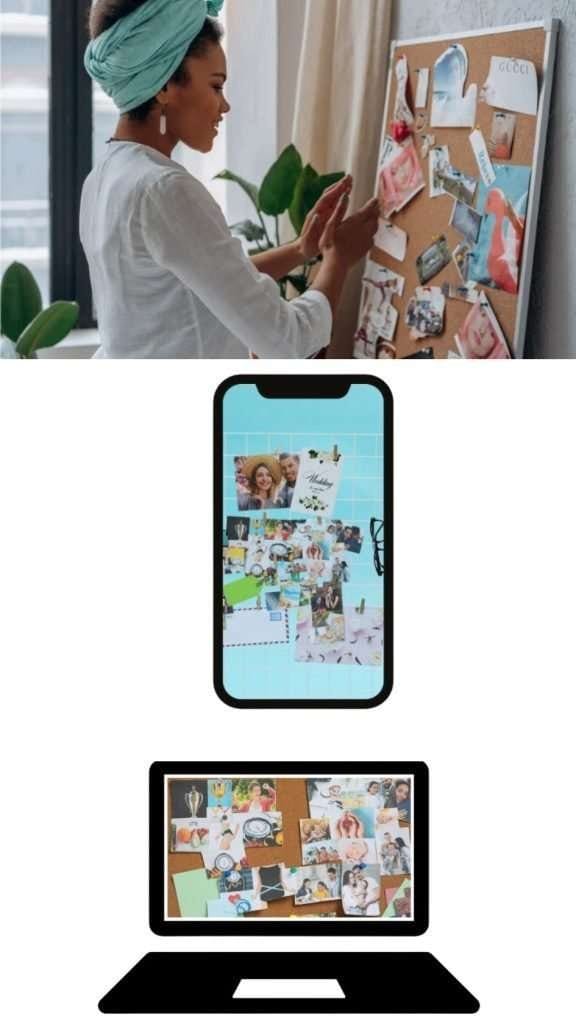
Evolution of Vision Boards

Traditional Vision Boards

Pros

Hands-on, tactile experience can foster creativity.

No technology required, so it's easy to get started.

Physical creation (cutting and pasting) can strengthen emotional connection to your goals.

Often more memorable due to the sensory aspect of handling materials

Cons

Can be bulky or awkward to store and display.

Requires gathering physical supplies (magazines, glue, scissors, etc.).

Not easily updated—adding new images may mean re-creating the board.

Less discreet; friends or family might see it if it’s left out.

evolution vision board

Digital Vision Boards

Pros

Easily accessible on your phone or computer

Can integrate multimedia (videos, music, etc.)

No physical clutter or need for supplies

Simple to update or rearrange as goals evolve

Cons

Requires basic technical know-how

Can get “lost” among other digital files or apps

Lacks the tactile satisfaction of creating something physical

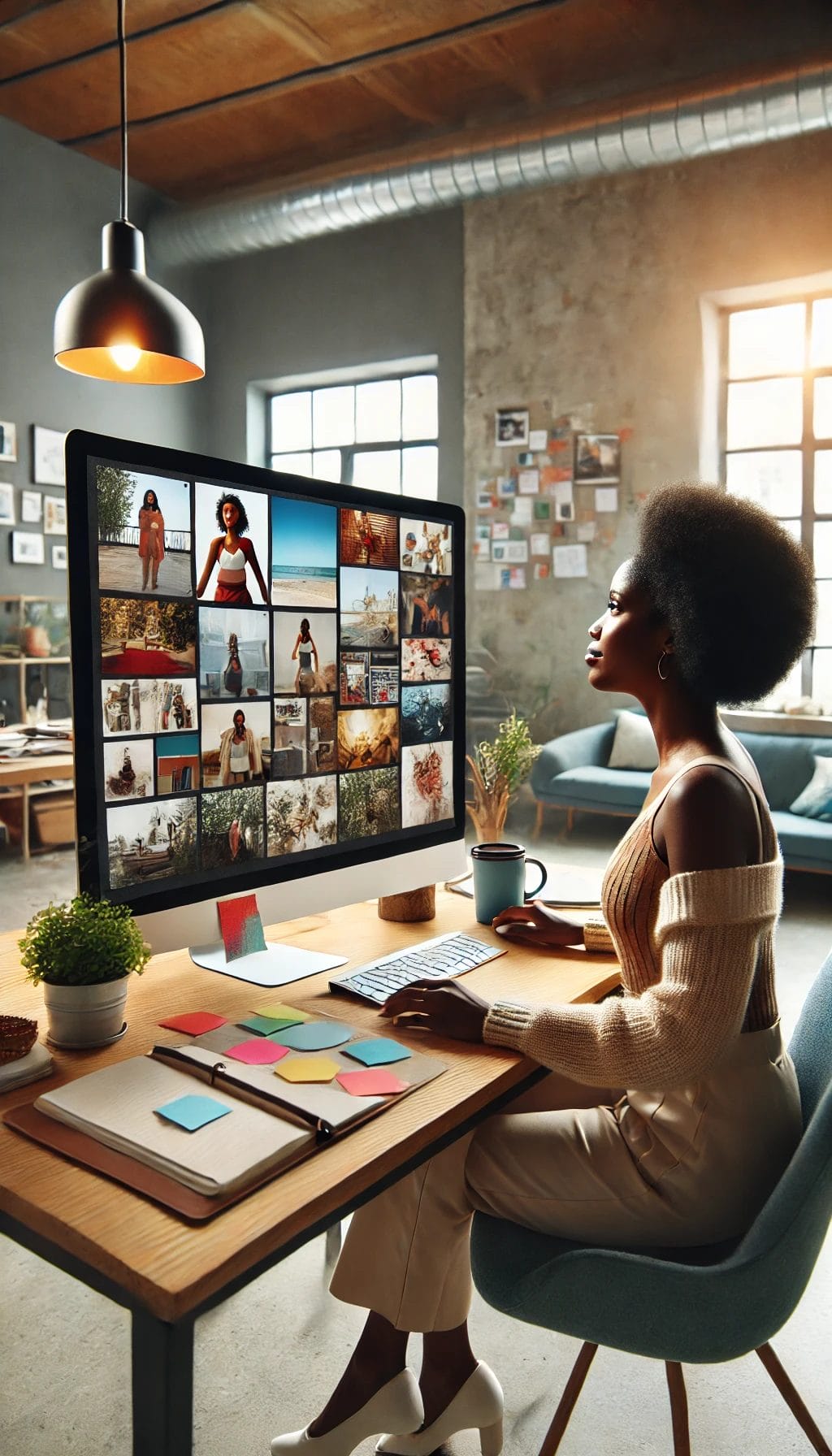
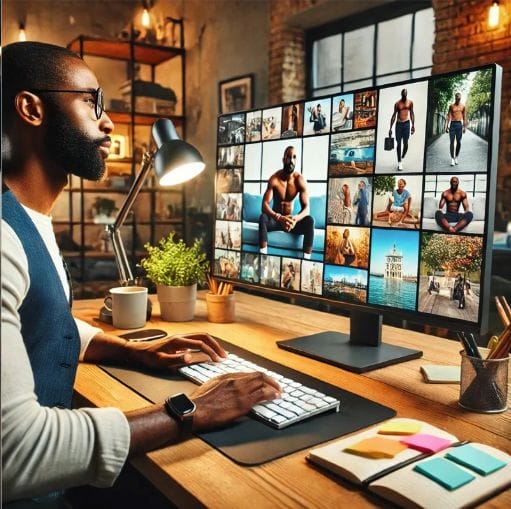
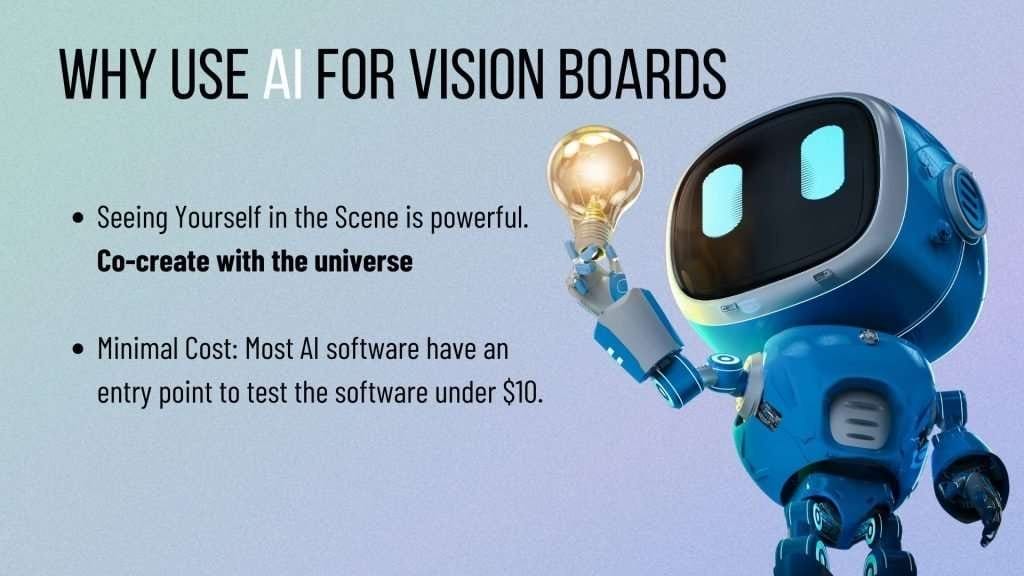
Why Use AI

STEP 1: What to Prepare First

Before you dive into AI prompts or vision board layouts, pause. This part matters.

The most powerful vision boards begin with clarity—not just about what you want, but how you want to feel. It’s not about “stuff.” It’s about energy, alignment, and designing a future that reflects your values.

Here’s how to prepare:

1. Set the Mood

Block off 30–60 minutes. Light a candle. Put on music that helps you dream. This is sacred, not rushed.

2. Get Grounded in the Present

Ask yourself:

  • How am I really doing—physically, emotionally, spiritually?

  • What do I need more of? What do I want less of?

  • What moments this past year made me feel most alive?

Write down anything that comes up.

3. Name the Feeling You’re Chasing

This is your core desire—not a job title or relationship status. A feeling state. Examples:

  • Freedom

  • Belonging

  • Creative flow

  • Ease

  • Expansion

That word becomes your anchor. Your AI images, affirmations, and even your board layout will all build from this.

4. Clear the Clutter

Energetically and digitally:

  • Close tabs.

  • Put your phone on do-not-disturb.

  • Delete old downloads or past vision board images that no longer feel aligned.

This makes space for what’s next.

You can Have Everything you want

List Your Dream Scenarios

Each category can help you clarify what you truly want and inspire powerful images for your vision board. Feel free to mix and match, or focus on just a few areas that resonate the most with your personal dreams.

1. Lifestyle & Well-Being

  • Health, fitness, self-care routines, daily habits, and the overall quality of life you aspire to have.

2. Relationships & Community

  • Romantic partnerships, friendships, family connections, social circles, and the type of support network you want to nurture.

3. Career & Professional Development

  • Goals related to employment, entrepreneurship, promotions, leadership, skill-building, and recognition.

4. Travel & Adventure

  • Destinations you want to explore, cultural experiences, adventures, and anything related to broadening your horizons.

5. Financial Abundance & Wealth

  • Saving goals, income growth, investment strategies, or a lifestyle of financial freedom that resonates with you.

6. Personal Growth & Spirituality

  • Mindfulness practices, personal development milestones, spiritual or religious aspirations, and emotional well-being.

7. Creativity & Hobbies

  • Artistic pursuits, musical interests, writing projects, DIY activities, or any hobby that lights you up.

8. Education & Skill Building

  • Degrees, certifications, workshops, or self-taught learning experiences that expand your knowledge and capabilities.

9. Home & Environment

  • Housing dreams, interior design visions, gardening ideas, or creating a peaceful, welcoming space.

10. Community Impact & Philanthropy

  • Volunteer work, charitable contributions, or community projects that align with your values and desire to give back.

11. Emotional Fulfillment & Joy

  • Practices and moments that bring you genuine happiness, gratitude, and contentment in day-to-day life.
vision board dreaming TWD

STEP 2: AI Tools + Training Yourself

This is where the magic meets the method. AI can bring your vision board to life with stunning, personalized imagery—but only if you know how to train it. You’re not just typing in “girl boss with a yacht.” You’re crafting prompts that reflect your energy, your future, your essence. Below are my go-to tools and how to guide them to see you.

Recommended AI Portrait Generator

Gemini Generated Image wubapbwubapbwuba

Google Nano Banana (Gemini Image)

What it is:
Nano Banana is Google’s generative image model — officially the Gemini 2.5 Flash Image model — that lets you generate, transform, or edit images using natural language prompts and image uploads. Nano Banana Pro (Gemini 3 Pro Image) is the next tier with more refined control, better context awareness, and higher‑resolution outputs.

Unlike some AI tools that create new images from scratch, Nano Banana excels at image editing and transformation, making it ideal for placing you into dream scenarios while keeping your identity consistent.

Best Practices for Using Nano Banana to Create AI Portraits of You

1️⃣ Accessing Nano Banana

  • Use the Google Gemini app on iOS, Android, or web.

  • From the model selector, choose Gemini 2.5 Flash Image (Nano Banana) or Nano Banana Pro (Gemini 3 Pro Image) for more advanced outputs.

👉 Note: Some access paths (e.g., Google AI Studio or Gemini API) are more technical, so stick with the Gemini app or browser options if you want the simplest workflow.

2️⃣ Upload Reference Photos First

Before generating new scenarios:

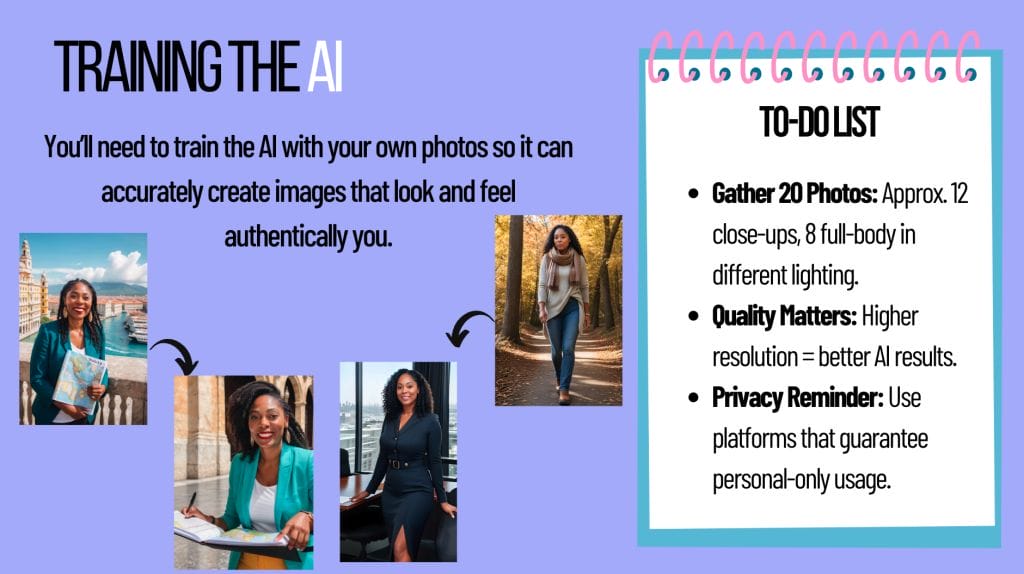
✔ Upload 2–10 high‑quality reference photos of just you (close‑up and full body).
✔ Make sure the lighting is even and your face is clear (avoids distortions).
✔ Use photos with simple backgrounds (so the model can isolate you when editing). 

Tip: Upload multiple angles of yourself — front, side, casual and dressed up — for better identity consistency.

3️⃣ Define Your Prompt Clearly

Nano Banana works best when your request includes:

🟢 Subject reference: ”Using the uploaded photo of me…”
🟢 Scenario context: Describe where you are and what you’re doing
🟢 Mood or energy: e.g., confident, warm glow, editorial lighting
🟢 Details like outfit, setting, time of day, style

Example Prompt (Vision Board Ready):

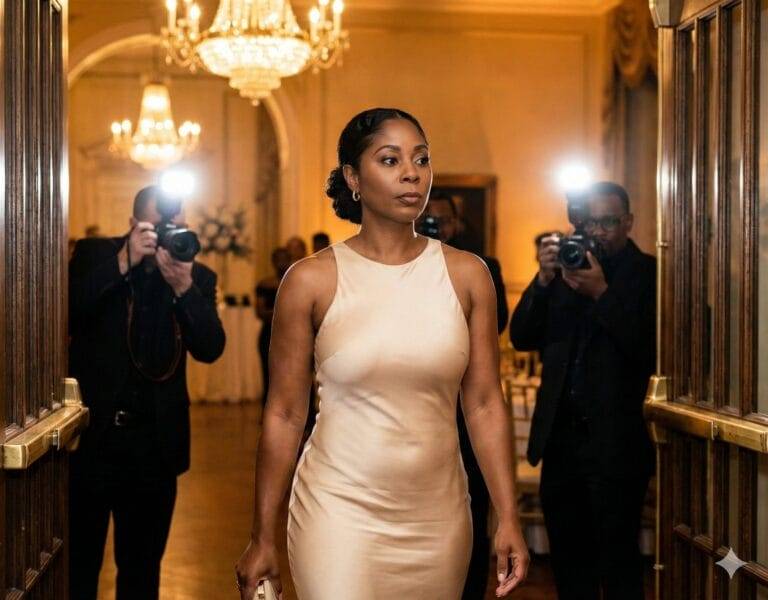
“Using the uploaded reference images of me, create a realistic image of me, using my exact facial features and skin-tone, with my hairstyle in a low-bun,  standing confidently on the red carpet at an awards gala, wearing a sleek neutral‑tone couture dress, soft cinematic lighting, photographers and flashes in the background, warm glow, editorial photo style.”

This level of detail helps the model produce cohesive and intentional images.

4️⃣ Iterate with Image‑to‑Image Edits

  • Start with a base generation from a prompt.

  • If the first result isn’t perfect, use Nano Banana’s image editing features — describe changes like “enhance lighting, refine face, adjust outfit color to jade” — and generate again.

  • Nano Banana maintains face and character consistency across edits if your prompts clearly reference the original upload.

5️⃣ Use “Multi‑Image Fusion” for Scene Complexity

If you want layouts where you and a partner or family appear together, you can upload multiple images and ask Nano Banana to blend them into one cohesive scene.

Example:

“Combine these two uploaded reference images — me and my partner — into a photorealistic sunset beach scene where we walk hand‑in‑hand, soft lighting, warm tones, and consistent proportions.”

Nano Banana can merge multiple image inputs into one seamless composition. 

6️⃣ Resolution & Aspect Ratio

  • Nano Banana’s core outputs (Gemini 2.5 Flash) produce up to ~1024×1024 or similar aspect ratios, while Nano Banana Pro outputs can go higher.

  • For vision boards, choose versions that work with your Canva templates (square for boards, portrait for phone wallpapers).

7️⃣ Refinement Tips

✔ Start with simple, specific prompts.
✔ Mention lighting, mood, attire, and environment explicitly.
✔ Use follow‑up prompts to fix details (backgrounds, poses, expressions).
✔ If you want cinematic editorial results, include camera‑style terms (e.g., “shot with 85mm lens, shallow depth of field”).
AI Image training
AI photo best practices

STEP 3: Vision Board Creation

Now that you’ve clarified your vision and crafted powerful AI-generated imagery, it’s time to assemble. Whether you’re designing a digital board or printing it out, this is your moment to bring it all together. Use your chosen layout tool (like Canva, Pinterest, or Procreate) and arrange your visuals with intention. Think of this as your future in collage form—curated, confident, and calling it in.

Quick List to Start Assembling:

✅ AI portraits that reflect your dream self

✅ Key phrases or affirmations (like “I’m a money magnet”)

✅ Images that match your goals in each life area

✅ Design platform or materials (digital or print)

✅ A set space (screen saver, bedroom wall, journal) to display it

Remember to decide your use-case for your vision board then...

Check Out My Canva Templetes

If you want to make designs for both formats, and if you have Canva Pro you can design in one and then resize for free. If you have a free account, just copy and paste the elements. Recommended to design the mobile phone version first as it’s easy to adjust the elements once transferred to the bigger, desktop template.

vision board creating 2

Vision Board Creation Strategy

Recommended Timeline

Recommended strategy to avoid frustration: the process has been broken into steps below. Complete each step on different days.

Step 1: The Daydreaming Process — visualize, script, and feel
Step 2: Identify Dream Scenarios where you’re the star
Step 3: Gather 2-10 Selfies (mix of full-body and headshots)
Step 4a: Develop your AI clones using Google Gemini’s Nano Banana.
Step 4b: Prompt and generate scenes aligned with your 2026 self
Step 5: Design your board in Canva (desktop or mobile template)
Step 6: Choose your mantra, power words, and placement
Step 7: Save and set it where you’ll see it daily — and FEEL it

New Year Identity Alignment

This year, we’re not manifesting from scratch — we’re aligning with what’s already yours.

Use these Power Words to anchor your design:
Effortless. Magnetic. Warm. Supported. Grounded. Celebrated. Abundant. Focused. Soft Power.

Choose a mantra that resonates (say it daily or add it to your design):

  • “Every day, I receive more proof that I am deeply loved and financially unbothered.”

  • “I don’t chase — I align.”

  • “I’m a money magnet. Money is obsessed with me.”

  • “Love is calm and undeniable.”

🔮 Want to go deeper? Train your subconscious by pairing your board with journaling, scripting, or mirror work.

Stay in High Vibration Mode

Level Up Ideas

Video Future Messages

Record yourself speaking as if your goals are already met.

Affirmations

Use notes app or sticky reminders.

Synchronicities & Gratitude

Stay aware and grateful for signs of alignment.

Scripting

During high vibration moments, take a moment too daydream about having more.

Listen & Feel

Listening to master manifestors, like Abraham Hicks, or music that makes you feel good, and even dance, releases tension, boosts endorphins, and instantly shifts you into a higher-energy state.

Focus Wheels

Help you get out of down moments.

Recommended Reading

the

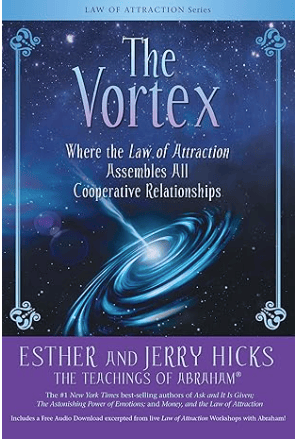
The Vortex: Where the Law of Attraction Assembles All Cooperative Relationships

Abraham Hicks is the GOAT for this and if you’ve not read any of their work – I’d start here.

Manifesting Made Easy JM

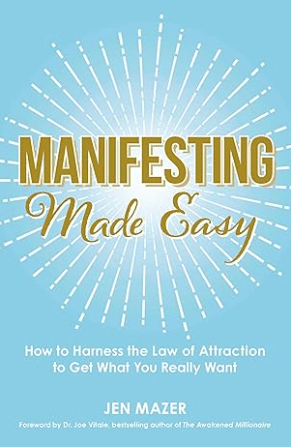
Manifesting Made Easy: How to Harness the Law of Attraction to Get What You Really Want

Reading Jen Mazer’s book really helped me understand the manifesting concept for practical use. She really makes it easy.

the secret

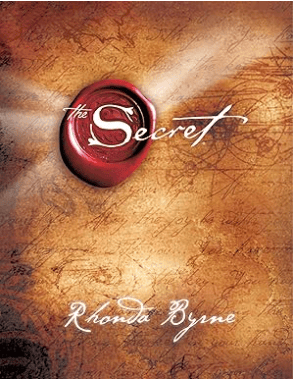
The Secret

The OG and the book that set it all in motion. Introduced to the masses by Oprah in 2007, we now have language like “the law of attraction” and “vision board” in our lexicon. 

Let's Continue to Engage

Travel Vision Board Interest

Take my poll so I can gauge interest in in hosting a travel vision board workshop.

Take the Poll

Let's Stay Connected

This is a quick survey to check the best platform you prefer to continue our engagement from the "I See Me" Vision Board Workshop.

Take the Poll

Comment Section is open to continue discussions from the live workshop.

2 thoughts on “I See Me Vision Board”

  1. During the workshop, I mentioned that I first heard about the concept of vision boards in 2007 when Oprah Winfrey talked about The Secret on her show.
    When did you first hear of vision boards? Share your experience.

  2. Bingo Card Year – Let me know if you want to create a group Bingo Card challenge! I’ll create boards and send them to you all and we can play throughout the year.

Leave a Reply

Scroll to Top